

Ah it is that time of year again for the SANS Holiday Hack, aka. Kringlecon.
I have jumped in and had a great initial couple of hours.
The premise for this year is a bunch of islands and you travel between them with your pirate ship. One of the challenges was to user hashcat to crack a credential. I have to say this one slowed me down the most as the main issue I had was getting hashcat to run on the instance running in the background.
This unfortunately was due to not reading the task correctly!
However the cracking process was relatively straight forward. First identify the hash used in the hash.txt file, then crack the hash using the correct mode in hashcat.
To identify the correct mode, I looked at the hash, identified from the string the specifics, and then linked that ot the correct mode.
Modes can be found here https://hashcat.net/wiki/doku.php?id=example_hashes
So, what really slowed me down, I hadn’t understood what I was doing with the force parameter.
Lets take a look :-
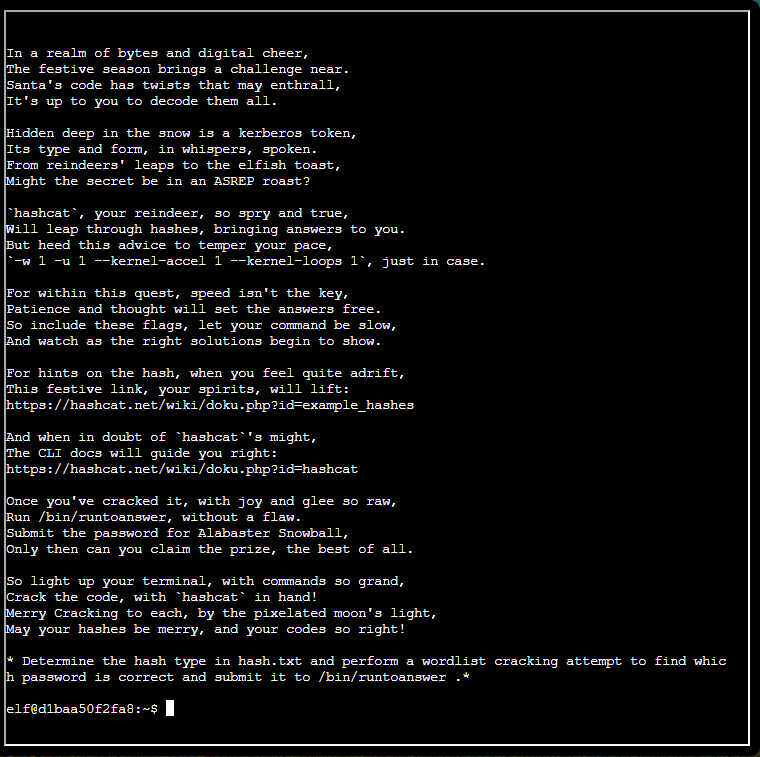
The Challenge
The First attempt
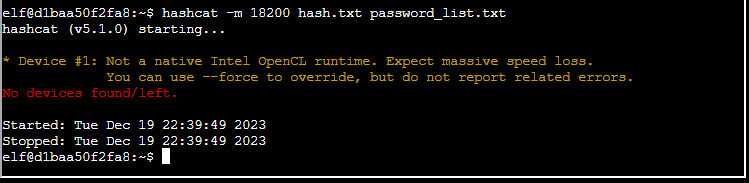
Here is simply trying to run the command without thinking ….
The second attempt
This time I read the task properly and then I entered the correct parameters to limit the way hashcat is running.
Lets take a look at the parameters :-
- -w 1
- the workload can be weighted between 1 and 4
- 1 is the lightest mode , cracking will be slowest
- GPU load is minimal
- CPU load is minimal
- RAM is about medium usage
- 2 is kind of standard mode offering a good balance for system resources
- GPU will have load
- CPU load goes up from Minimal
- Similar RAM Utilisation
- 3 is high suggesting
- More tasks run via GPU instruction
- CPU will scale its utilisation in line with the GPU
- RAM again scales up in line with the CPU utilisation
- 4 …. Planet Warming mode
- -u 1
- Similar to the options listed for w, with the exception that these workloads are tied to the number of threads utilised.
- So what is thread utilisation, think of it as to how many hashes you can crack at a time, so concurrency.
- –kernel-accel
- Again 4 modes each increasing the utilisation of the system resources
- Essentially we are defining how fast the operations should attempt to be performed in a cycle.
- –kernel-loops
- I should now use some deeper technical vocabulary, without it we can’t properly differnetiate what loops does. Here we go, the kernel loops focuses on the duration of a kernel execution. This is a small program running on the GPU. So we are deciding how much time a kernel should be allowed to run for, and how often the kernel should run from a “fresh start”.
The difference between -u and –kernel-accel is; –kernel-accel defines how many hashes to do and -u is how many “to-do’s” Concurrently.
For reference the hashcat definitions are :-
- -w, –workload-profile | Num | Enable a specific workload profile, see pool below | -w 3
- -n, –kernel-accel | Num | Manual workload tuning, set outerloop step size to X | -n 64
- -u, –kernel-loops | Num | Manual workload tuning, set innerloop step size to X | -u 256
So with all that said the command I ran is
hashcat -m 18200 -w 1 -u 1 --kernel-accel 1 --kernel-loops 1 hash.txt password_list.txt --forceThe results, you can see below 🙂
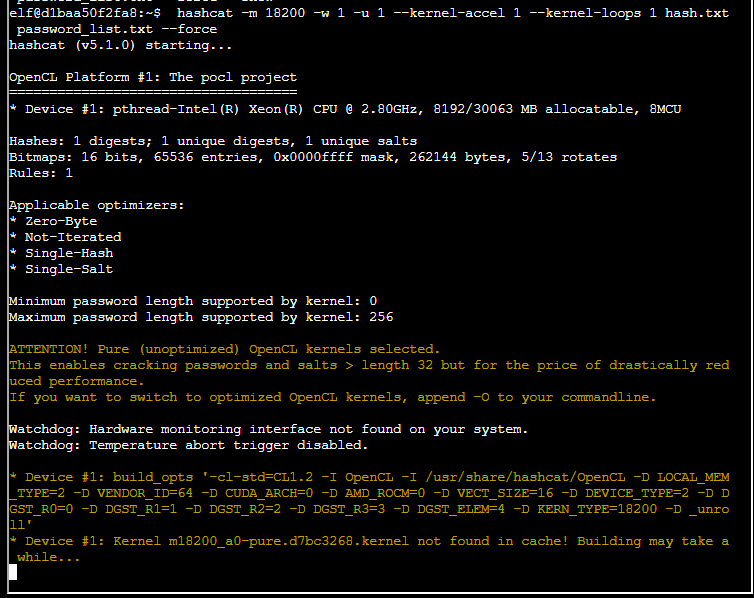
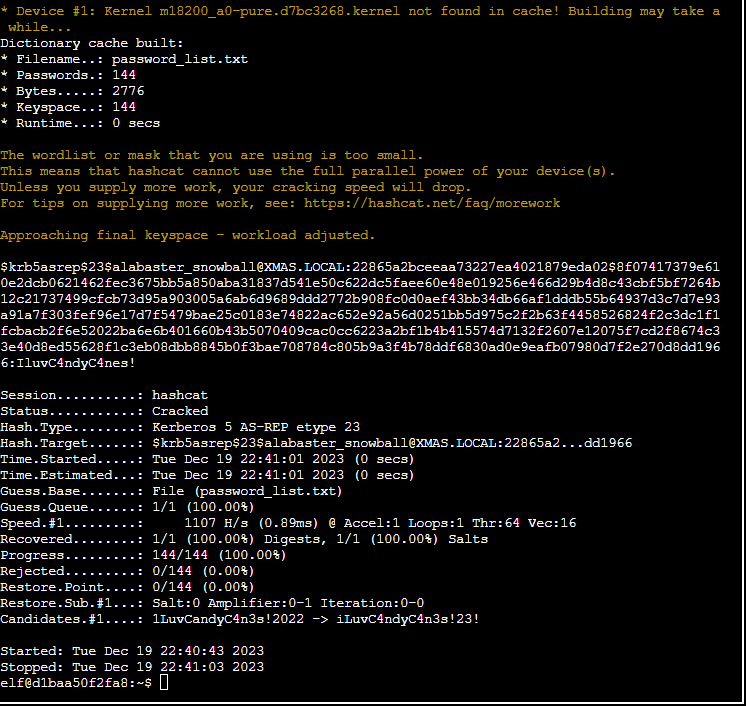
so you may be thinking, “Ha, there it is” looking at the screen shot… however you would be wrong 🙂
To see the credential you would now need to show the result. You could go and check the pot file, but I decided to simply use the show parameter.
hashcat -m 18200 -w 1 -u 1 --kernel-accel 1 --kernel-loops 1 hash.txt password_list.txt --showAnd this was the result
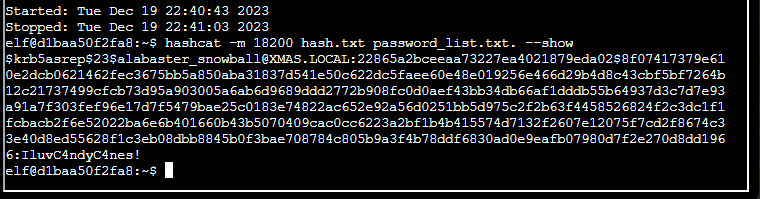
All that was left was to submit the answer
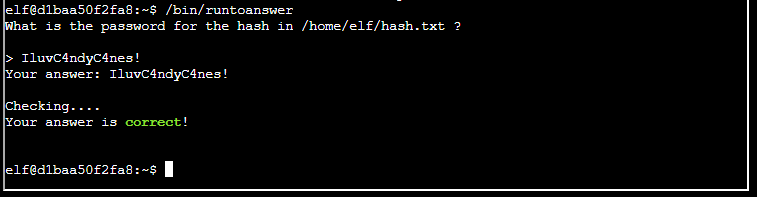
That was it 🙂 nice and straight forward … despite some hiccups at the beginning.
 Blue-Lab